
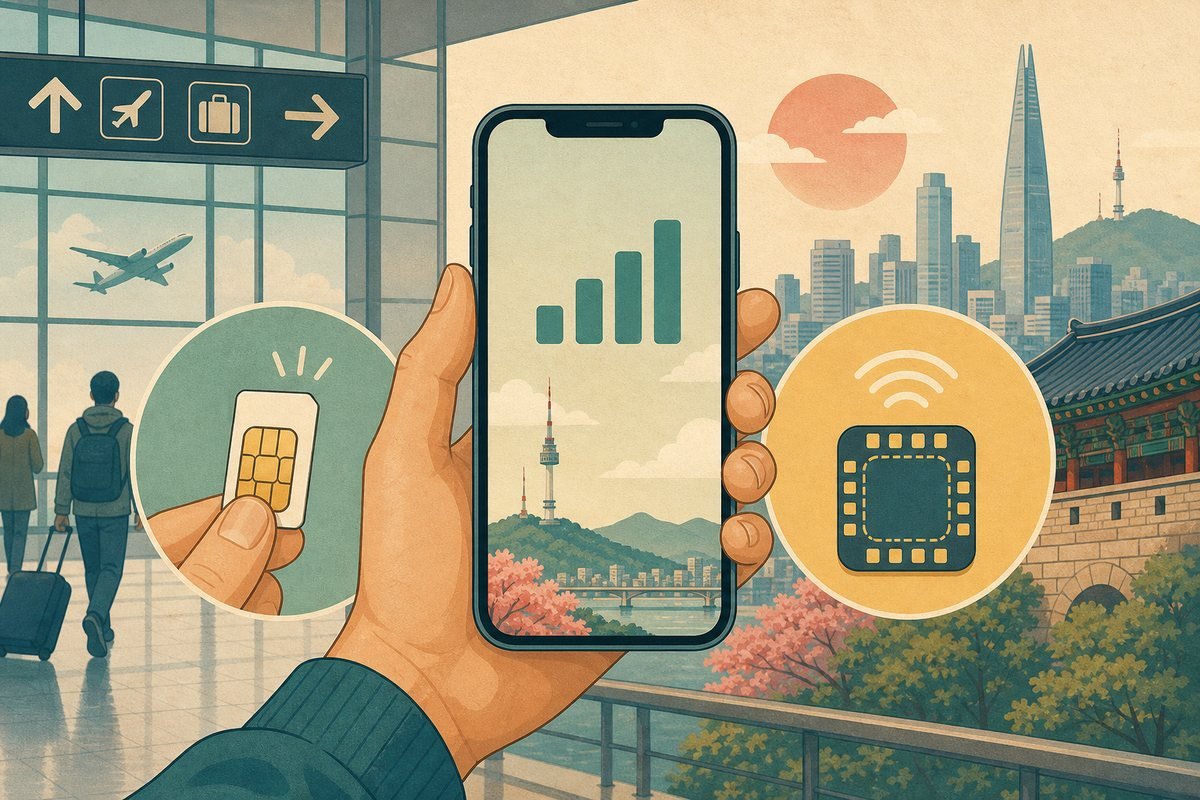
Updated July 2026. Most visitors to Korea can get reliable mobile data with either a physical prepaid SIM or an eSIM. The best choice depends less on the brand and more on whether your phone supports eSIM, whether you need a Korean phone number, and how long you will stay.
This guide explains what to check before buying, how Korea’s main networks differ for a short-term visitor, and how to avoid arriving with a plan that does not meet your needs.
Quick recommendation
- Choose an eSIM if your unlocked phone supports it and you want data ready soon after landing.
- Choose a physical SIM if your phone has no eSIM support, you want staff help at the airport, or you prefer a removable card.
- Choose data plus voice/SMS if you need a Korean number for reservations, delivery, or local calls.
- Choose data-only if messaging apps, maps, and internet access are enough.
Korea’s main mobile networks
South Korea’s three major mobile network operators are SK Telecom, KT, and LG U+. All three operate broad modern networks, and each offers short-term products for international visitors. For an ordinary Seoul, Busan, or Jeju itinerary, coverage differences are usually less important than plan rules, pickup convenience, speed limits, and customer support.
Plans sold by travel marketplaces may use one of these networks. Check the actual network, activation instructions, fair-use policy, and support contact before buying.
eSIM vs physical SIM
Why choose an eSIM?
- No need to remove your home SIM card.
- You can often install the plan before departure.
- Activation may be completed by scanning a QR code.
- Dual-SIM phones can keep the home line available for messages or verification codes.
The biggest risks are phone incompatibility and activating too early. Some plans begin when installed, while others begin when first connected in Korea. Read the provider’s rule before scanning the QR code.
Why choose a physical SIM?
- Works with many unlocked phones that lack eSIM support.
- Airport staff can help with installation and activation.
- It can be easier to confirm that data, calls, and texts work before leaving the counter.
- You can move it to another compatible phone if necessary.
Store your original SIM carefully. A small SIM holder or sealed pocket in your passport wallet helps prevent losing it during the trip.
Check these five things before buying
- Your phone is unlocked. A carrier-locked device may reject a Korean SIM or eSIM.
- Your exact model supports the required bands and eSIM. Do not rely only on the product family name; regional versions can differ.
- The plan includes what you need. Data-only plans may not provide a Korean number, outgoing calls, or ordinary SMS.
- Hotspot use is allowed. Tethering can be limited even when phone data is advertised as unlimited.
- You understand the speed policy. “Unlimited” may mean full-speed data up to a daily allowance followed by reduced speeds.
Do you need a Korean phone number?
A data-only plan is enough for Google Maps alternatives, translation, web browsing, messaging apps, and internet calls. A Korean number is useful when a hotel, restaurant, tour operator, or driver needs to call you.
However, having a Korean number does not guarantee that every Korean online service will accept it for identity verification. Short-term visitor lines may not support services that require verified local residency or an Alien Registration Card.
Where to buy a SIM at Incheon Airport
SK Telecom, KT, and LG U+ operate roaming or telecommunications counters at Incheon Airport. Counter locations and operating hours vary by terminal, and some arrival-level counters operate around the clock.
Airport pickup is convenient because staff can check your passport, install the SIM, adjust network settings, and confirm service. It may cost more than an online data-only option, but the in-person help can be worth it after a long flight.
Buying an eSIM online
- Confirm that the phone is carrier-unlocked.
- Check eSIM support for the exact model and country version.
- Choose the number of service days and the required data type.
- Save the QR code and written setup instructions offline.
- Install over stable Wi-Fi when instructed.
- After landing, select the Korean eSIM for mobile data and enable data roaming if the provider requires it.
Do not delete an eSIM profile simply because it does not connect immediately. Many QR codes can be installed only once. First restart the phone, confirm the selected data line, check roaming and APN instructions, and contact the provider using airport Wi-Fi.
How much data do you need?
- Light use: messaging, maps, transit, and occasional browsing.
- Medium use: frequent navigation, social media, photo uploads, and some video.
- Heavy use: video streaming, remote work, cloud backups, or hotspot use.
Automatic photo backups and video consume data quickly. Download offline maps and entertainment over Wi-Fi, and disable background backups if your plan has a full-speed limit.
Using your home SIM at the same time
On a dual-SIM phone, set the Korean line as the mobile-data line. Turn off data roaming for your home line unless your home carrier explicitly includes Korea. You may keep the home line active for incoming texts, but international call and message charges can still apply.
Common problems and fixes
- No signal: restart the phone and confirm the Korean line is enabled.
- Signal but no internet: check mobile-data selection, roaming, and the provider’s APN instructions.
- QR code will not install: verify internet access, phone compatibility, and whether the code was already used.
- Home carrier charges: confirm that mobile data switching and home-line roaming are disabled.
- Hotspot unavailable: check whether the plan allows tethering.
Physical SIM or eSIM: final decision
For most travelers with a recent unlocked phone, an eSIM is the fastest and easiest choice. A physical SIM is safer when compatibility is uncertain or when you want a staff member to verify everything at the airport. If local calls matter, choose a plan that clearly includes voice and SMS rather than assuming every tourist eSIM provides them.
Official sources
Products, prices, data allowances, and airport counters change. Compare the current information on the SK Telecom visitor site, the KT roaming site, the LG U+ Korea SIM site, and the Incheon Airport official website before purchasing.
Bottom line: confirm that your phone is unlocked, decide whether you need a Korean number, read the plan’s speed and hotspot rules, and keep the setup instructions available offline.